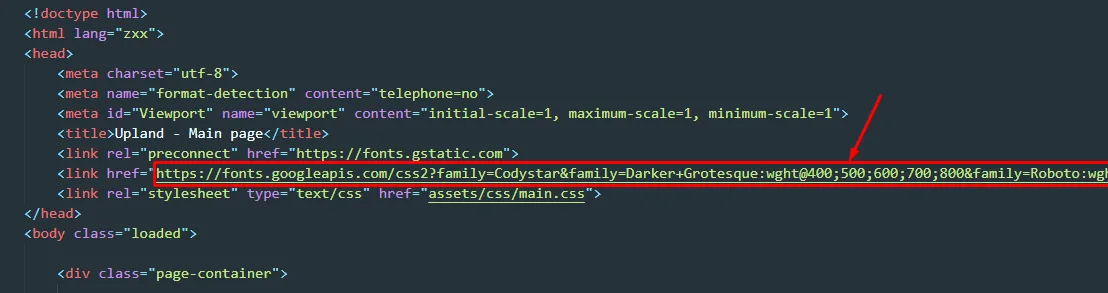
HTML Structure
Visual Studio Code (download for free). Used to edit the .HTML, .JS, and .CSS files.
- <!-- BEGIN: free trial -->
- <div class="free-trial">
- <div class="container">
- <div class="text-contain">
- <h3>Are You Ready To Enjoy? Get This Perfect Theme Now!</h3>
- <p>It is a long established fact that a reader will be distracted</p>
- <div class="button-contain">
- <button>Start Trial Free</button>
- </div>
- </div>
- </div>
- </div>
If you would like to edit the color, font, or style of any elements in one of these columns, you would do the following :
- .text-contain h3 { color: #some_color; }
If you find that your new style is not overriding, it is most likely because of a specificity problem. Scroll down in your CSS file and make sure that there isn't a similar style that has more weight.
I.E.
- .free-trial .text-contain h3 { color: #some_color; }
So, to ensure that your new styles are applied, make sure that they carry enough "weight" and that there isn't a style lower in the CSS file that is being applied after yours.
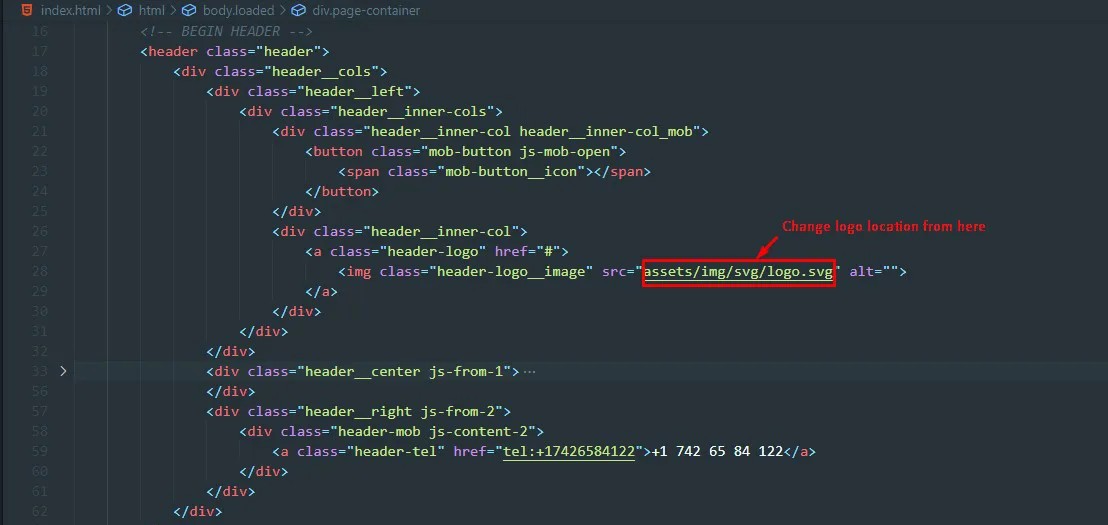
How to change Logo ?
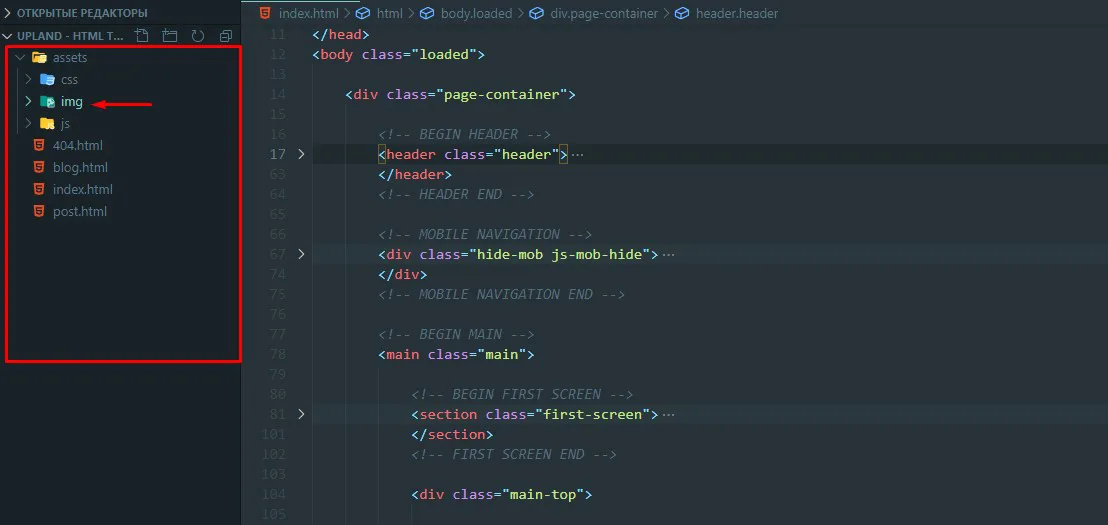
All icons and images of the project are stored in the "img" folder.
How to change Image ?
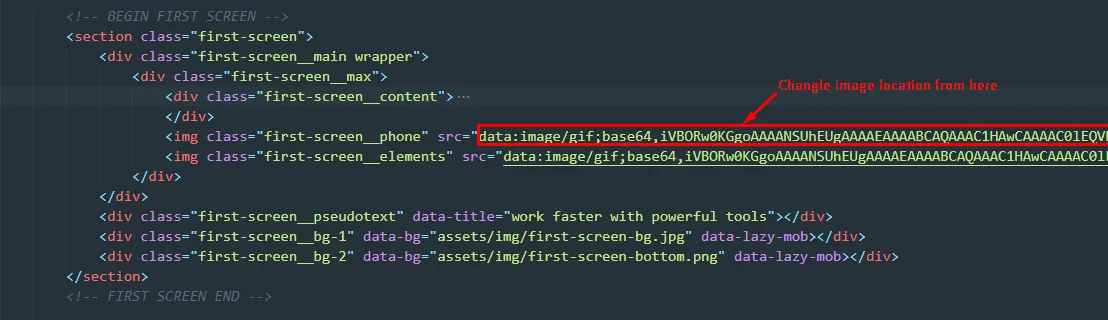
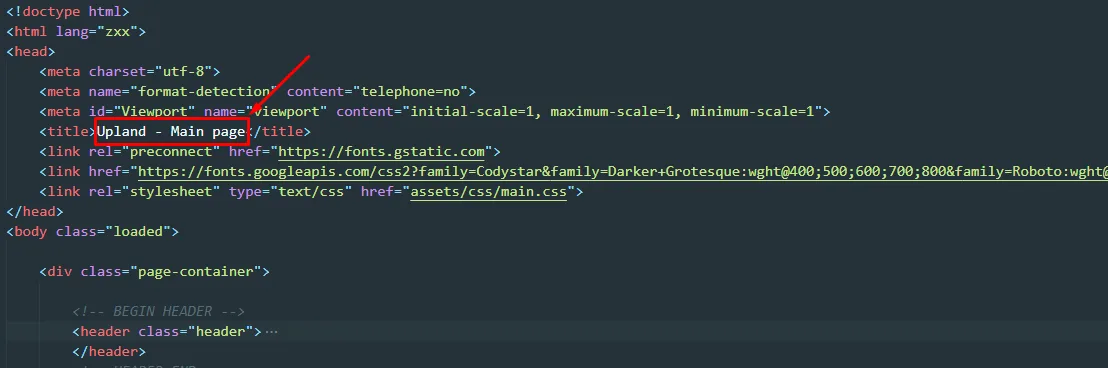
How To Change Site Title ?
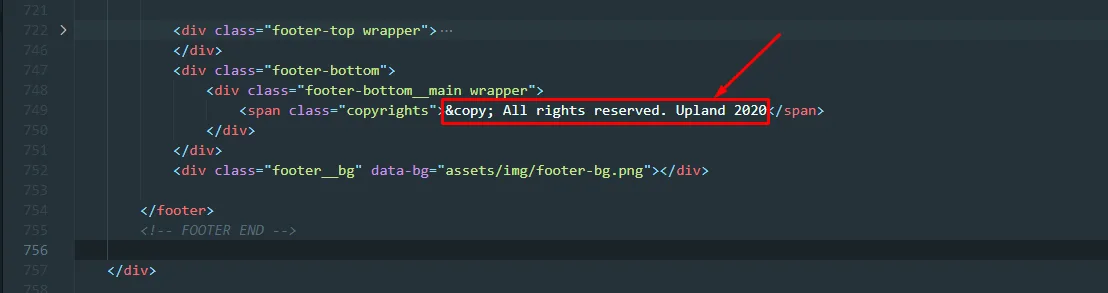
How to change Copyright ?
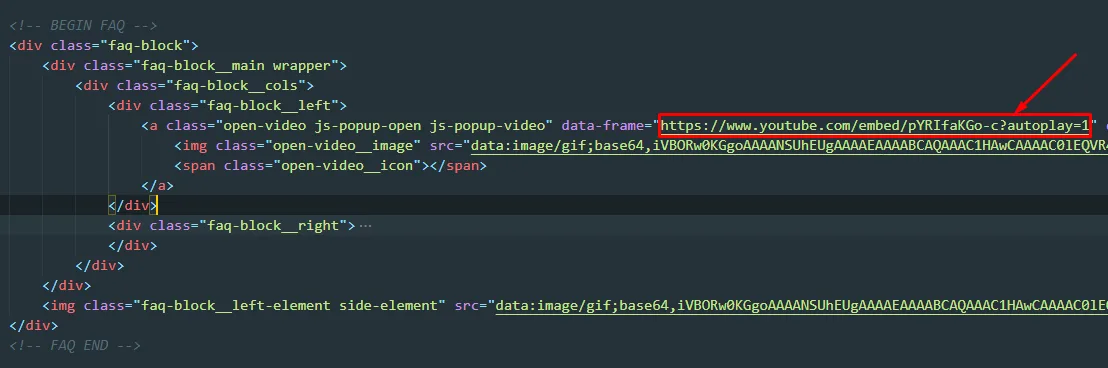
How To Change Video ?
Paste your video link here
Connected Fonts